Waiting for thumbnails is the worst.
You've got 10,000 photos from last week's shoot. You need to find three. Finder? It'll get there eventually. Maybe. Cloud folders? Hope you enjoy downloading gigabytes just to peek at a preview. That fancy image app you paid too much for? Still loading. Still loading. Still loading.
Your photos shouldn't be this hard to find.
Built for pros who want a no-nonsense lightning-fast image browser.
Loads thousands of camera RAW formats blazing fast.
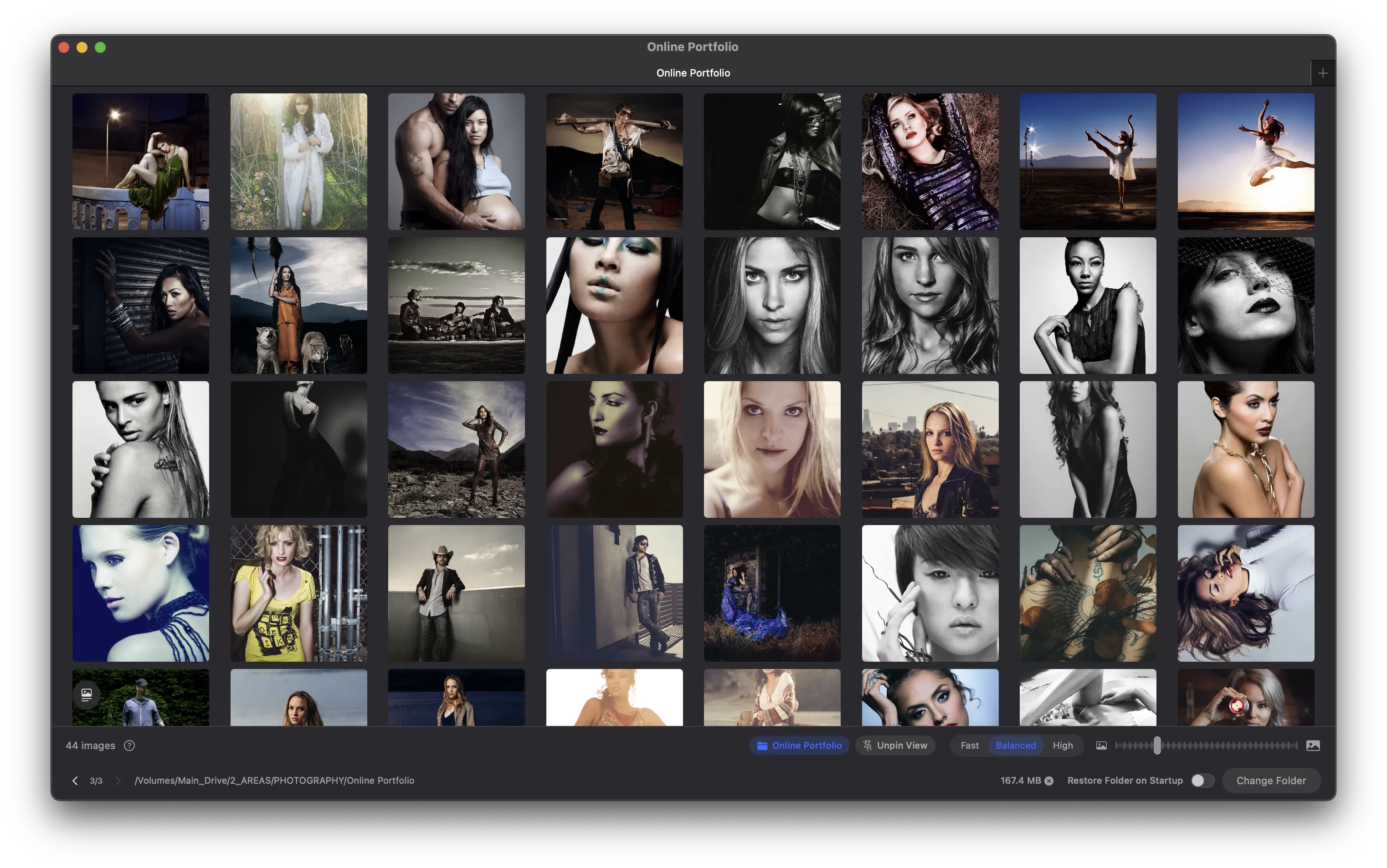
What's the trick? Instead of loading entire image files, PeekView extracts the preview that's already embedded in your photos. It's called EXIF-first loading, and it's why thousands of thumbnails appear in seconds instead of minutes.
No magic. Just smart engineering and a deep appreciation for your time.
Everything you need. Nothing you don't.
Absurdly Fast
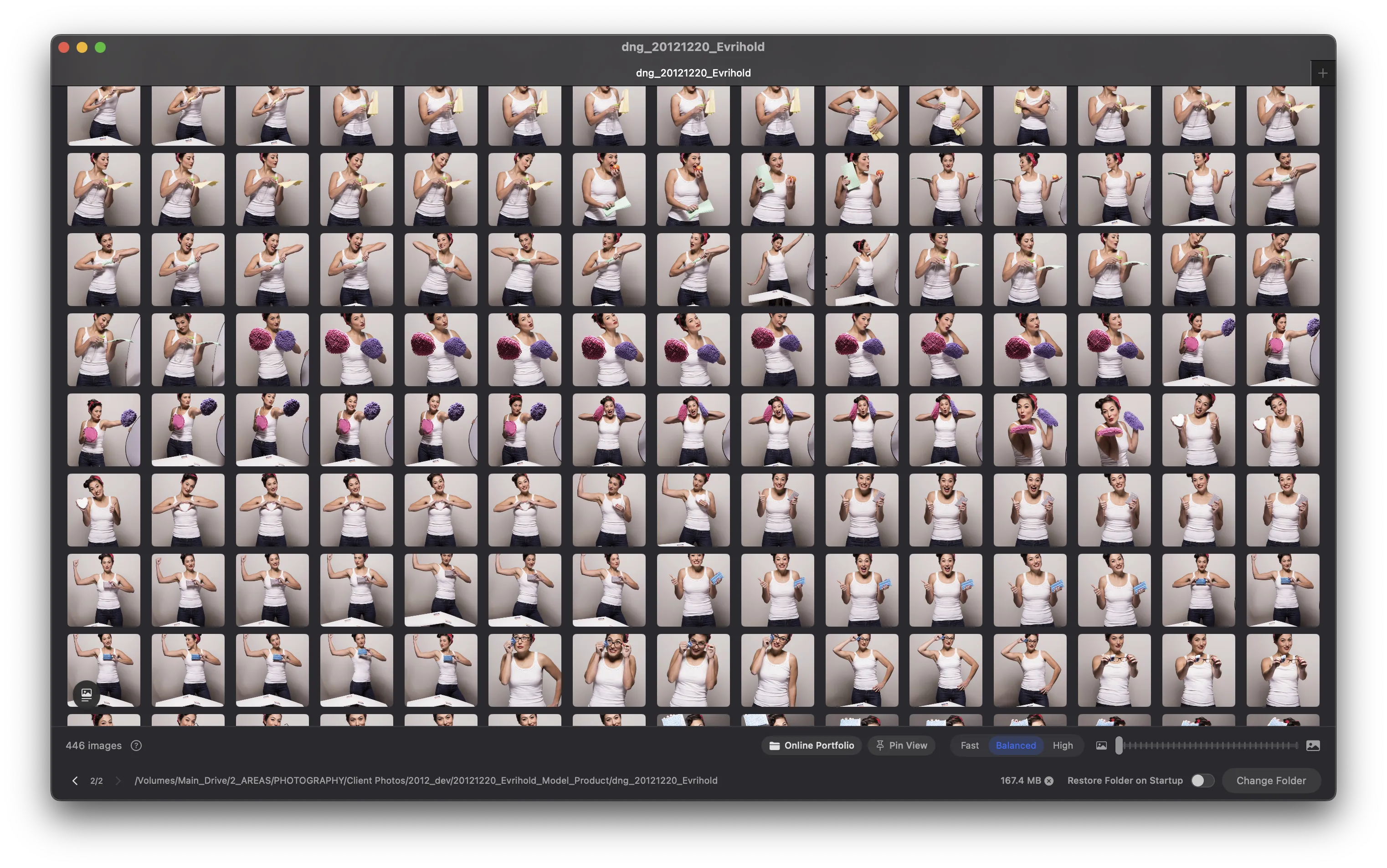
Thumbnails load before you finish reaching for your coffee. EXIF-first loading means instant previews, even for massive folders.
Cloud-Friendly
Browse your iCloud, Dropbox, or Google Drive photos without downloading a single byte. See everything, download nothing.
RAW? No Problem.
CR2, NEF, ARW, DNG — all 50+ formats load just as fast as JPEGs. Your camera's files, handled properly.
Resize On The Fly
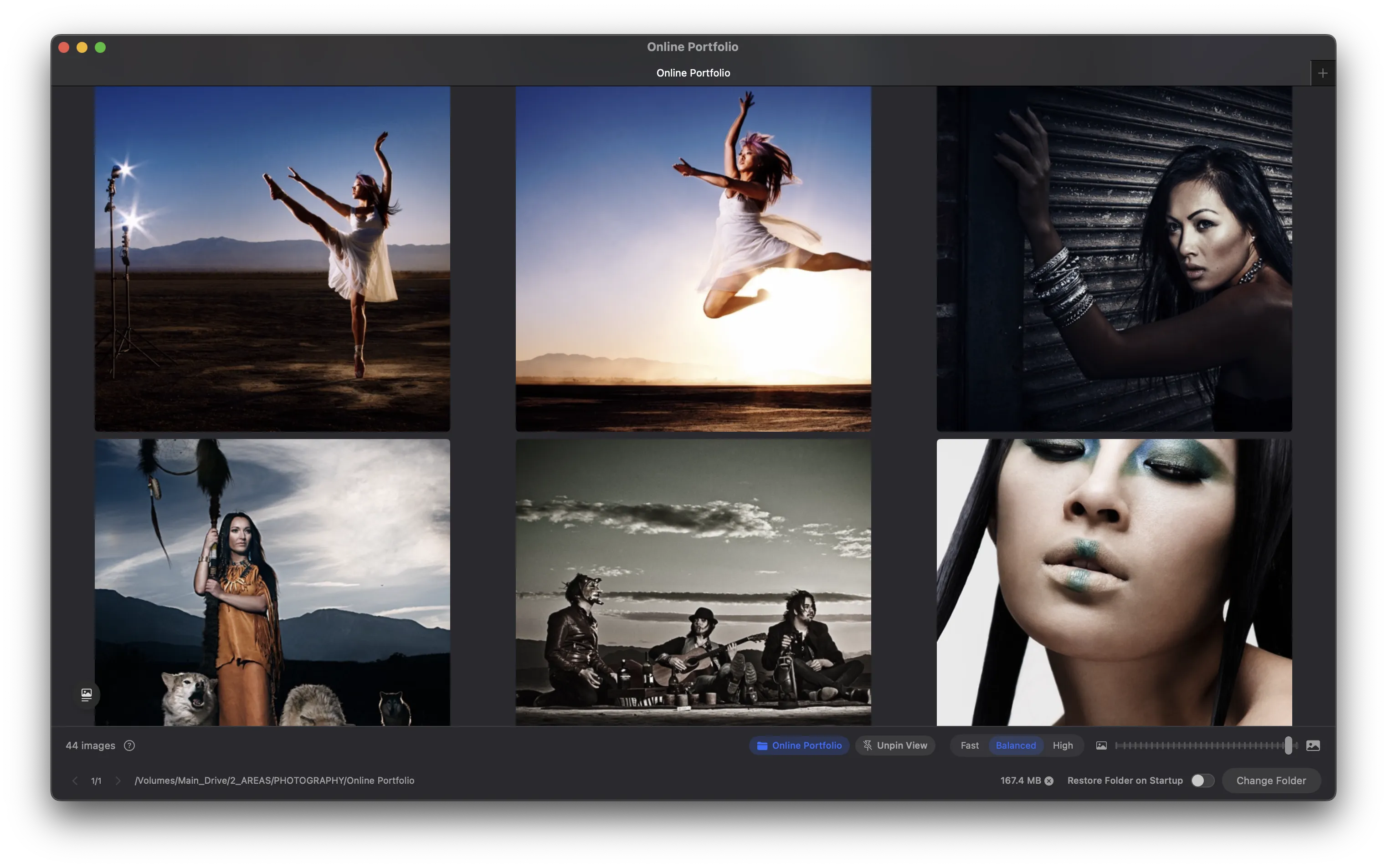
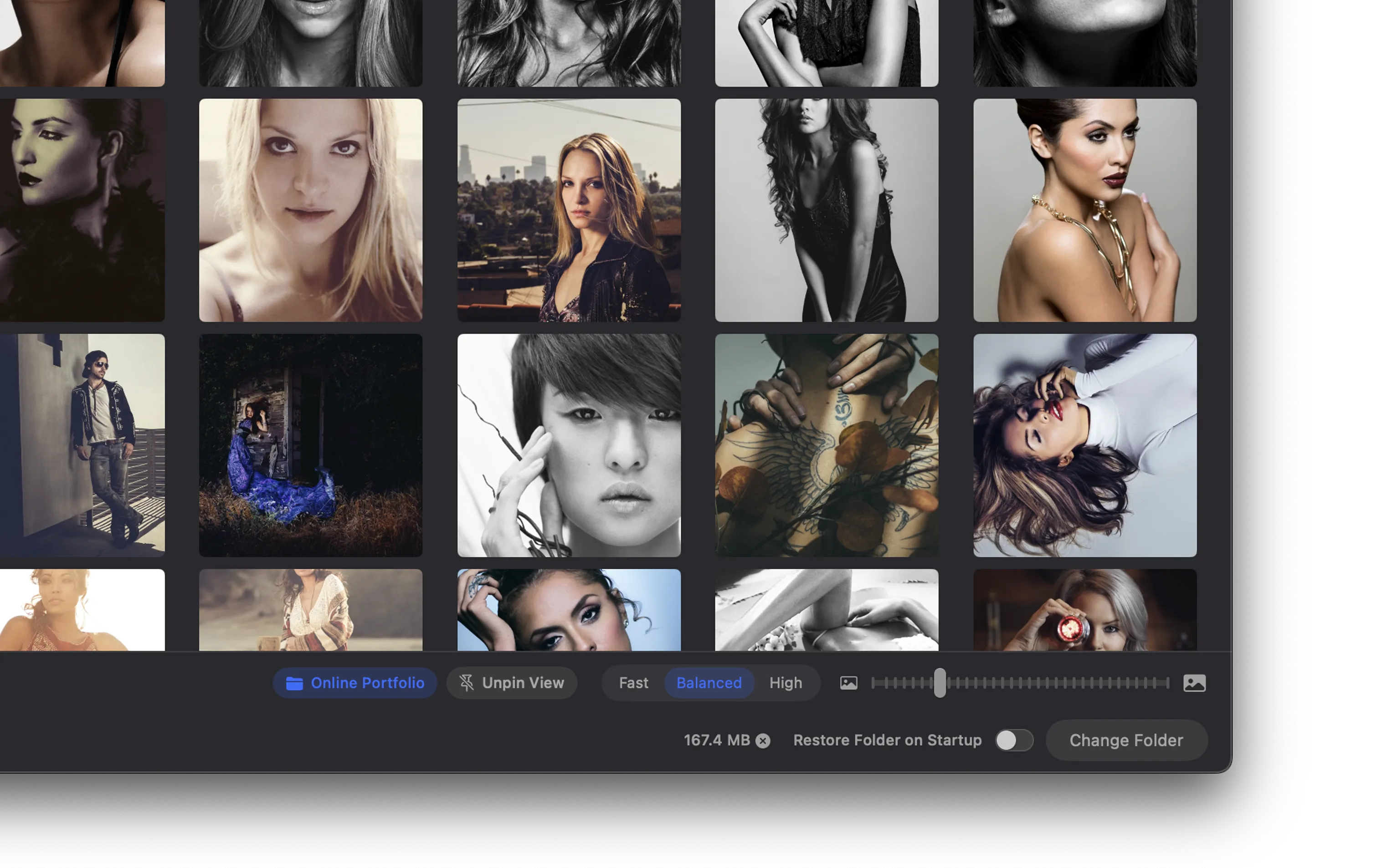
Drag the slider, watch your thumbnails grow. Find the perfect size for scanning or for detailed inspection.
One Click, Anywhere
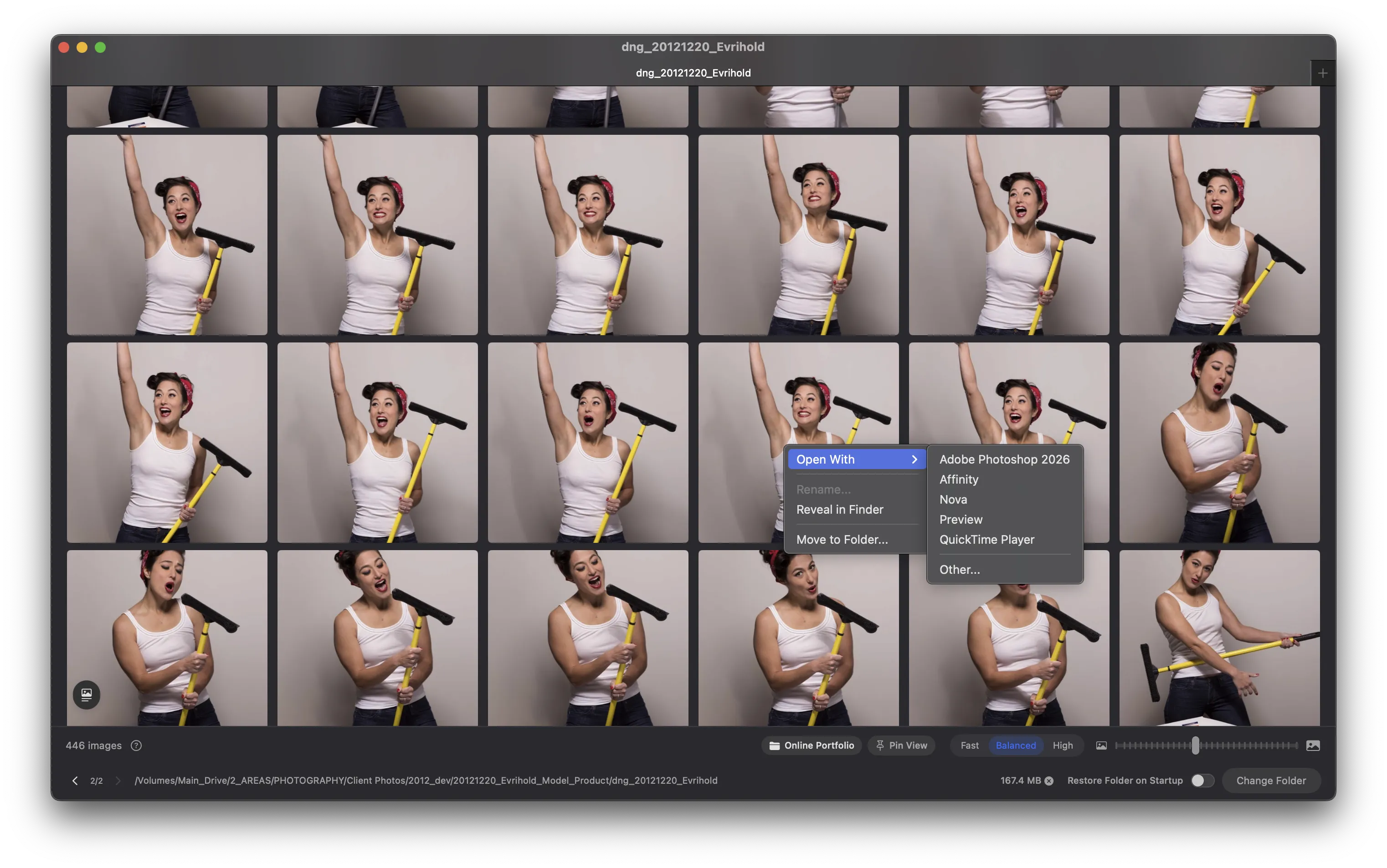
Open in Photoshop. Reveal in Finder. Send to Lightroom. Whatever your next step is, it's one click away.
Fast, Balanced, or Crisp
Quick scan of a thousand photos? Use Fast mode. Need more detail? Crank it up. Your workflow, your call.
Find it faster.
It really is this simple.
Pick a Folder
Point PeekView at any folder — local, network, or cloud. That's it.
Browse Instantly
Thumbnails appear immediately. Scroll through thousands without waiting.
Do Your Thing
Open files in any app, reveal them in Finder, or just keep browsing. PeekView stays out of your way.
A quick look at PeekView.
How PeekView stacks up.
We're not here to replace your photo editor. We're here to help you find the right photo to edit in the first place.
| Finder | Other Tools | PeekView | |
|---|---|---|---|
| Fast on large folders | ✕ | ⚠ | ✓ |
| Network drive performance | ⚠ | ⚠ | ✓ |
| Browse cloud without downloading | ✕ | ✕ | ✓ |
| Full RAW support | ⚠ | ✓ | ✓ |
| Smooth thumbnail resizing | ✕ | ⚠ | ✓ |
| Lightweight & focused | ✓ | ✕ | ✓ |
One price. No subscriptions. No nonsense.
Buy it once, use it forever. Updates included.
- Every feature, unlocked
- Free updates included
- No subscription
- No account required
- No data collection
Requires macOS 14.0 (Sonoma) or later
Got questions? Good.
Over 50 formats — JPEG, PNG, HEIC, TIFF, GIF, WebP, BMP, and RAW formats from Canon (CR2, CR3), Nikon (NEF), Sony (ARW), Fuji (RAF), Adobe (DNG), and more. If your camera shoots it, PeekView probably opens it.
That's actually where PeekView shines brightest. NAS drives, shared volumes, external storage — anywhere Finder crawls, PeekView flies.
Nope. PeekView detects files that live in iCloud, Dropbox, or Google Drive and shows cached thumbnails without triggering downloads. Browse everything, download nothing.
No, and there never will be. PeekView is a one-time purchase. Pay once, own it forever, get free updates.
PeekView is strictly view-only. It never touches your original files. (The rotation feature only changes metadata, not pixels — completely lossless.)
Fast (384px) is for quick scanning through huge folders. Balanced (768px) is the sweet spot for everyday browsing. High (1024px) is for when you need to see more detail before opening a file.
Quick Look shows one image at a time. PeekView shows thousands at once, with resizable thumbnails, keyboard navigation, and the ability to open files directly in any app. Different tools, different jobs.
Stop waiting for your photos.
PeekView loads in seconds. So should your thumbnails.
Get PeekView - $2.99One-time purchase. Works offline. No account needed.