How to Cull Photos
on Mac Without Lightroom
You shot three thousand frames on Saturday and you need the best few dozen by tonight. Lightroom wants to import them all into a catalog first, and building previews for the whole folder takes a while. All you want to do is look, decide and move on.
PeekView is a Mac photo browser built for that job. Open the folder, and the grid fills in about a second, because PeekView reads the preview your camera already saved inside each RAW file. Then cull from the keyboard, without importing anything.
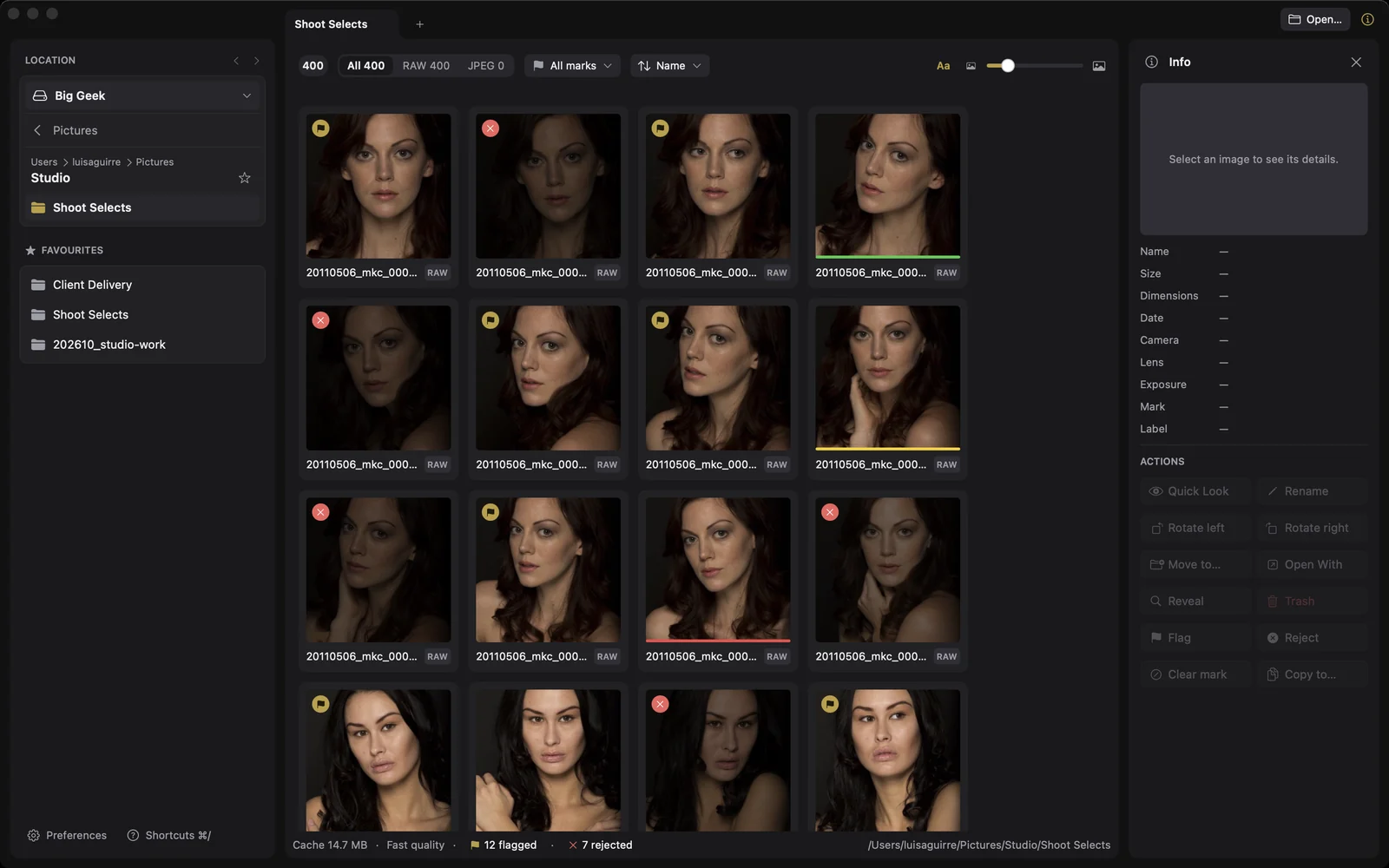
Cull in three passes
- Open the folder. No import, no library, no catalog. On an M4 Mac mini, 400 RAW files from the internal drive are on screen in half a second. Slower external drives take longer, but the first screen still fills in about a second.
- Mark as you go. P flags a keeper, X rejects a miss, and 1 to 7 add a colour label for a second sort. Select a run of frames to mark them all at once. Press Space to check focus in full size Quick Look, then keep going.
- Filter and finish. Show only flagged, rejected, unmarked or one label. Then use Copy Flagged to Folder to send the keepers to a client or an edit folder, or Move Rejected to Trash to clear the misses. Trash has undo.
The culling keys
| Key | What it does |
|---|---|
| P | Flag (press again to clear) |
| X | Reject (press again to clear) |
| U | Clear the mark and the label |
| 1 to 7 | Colour label |
| 0 | Remove the label |
| Space | Full size Quick Look |
Your marks live on the files
PeekView writes flags, rejects and labels as macOS Finder tags. They show in Finder, Spotlight finds them, and they move with the file when you copy it to another drive. There is no database to back up and nothing locked inside PeekView. If you stop using it tomorrow, your marks are still there.
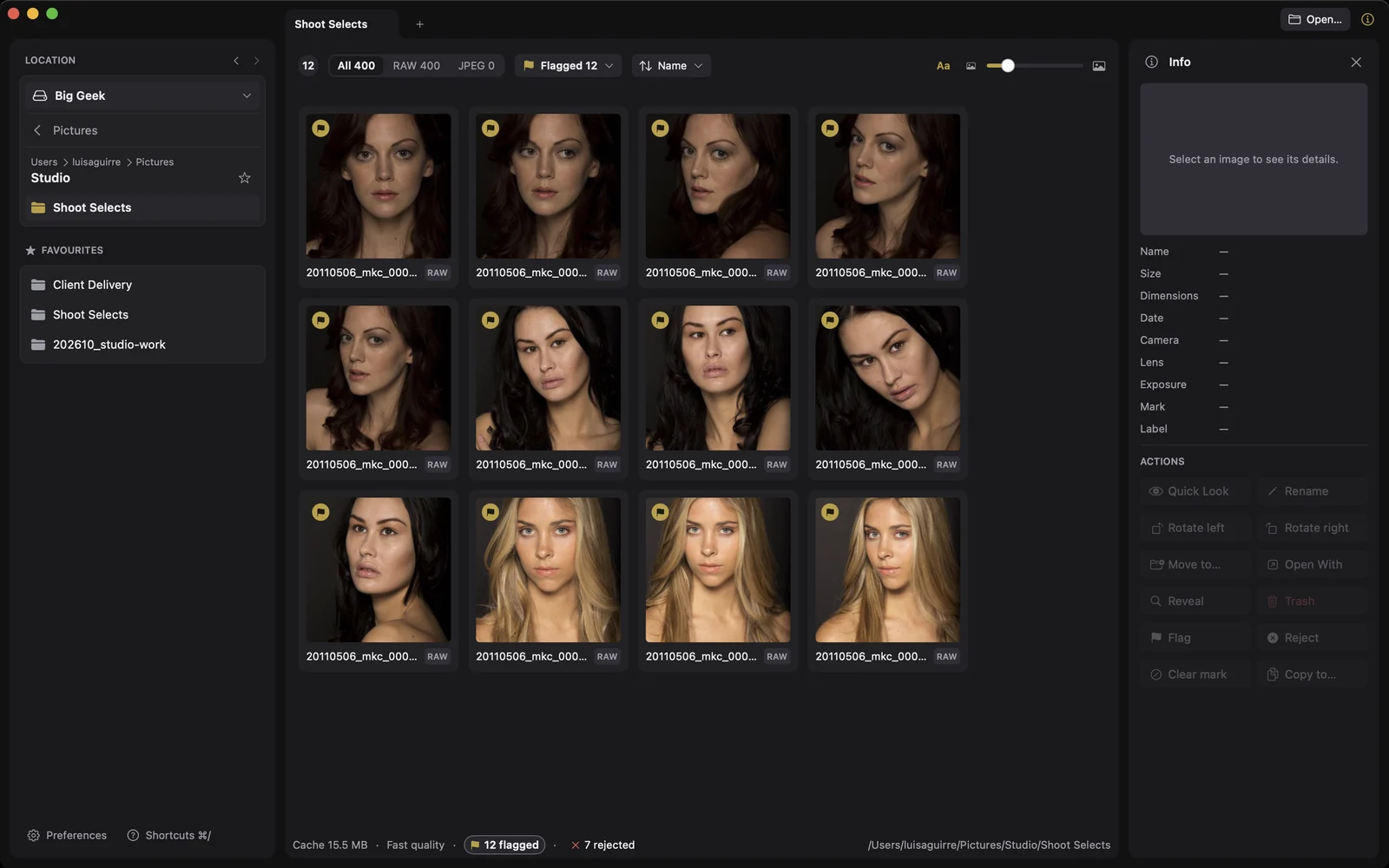
Not just RAW
The same grid previews PSD, AI, EPS, PDF, InDesign and Affinity files next to your RAW and JPEG. If you pick a cover from layered PSDs or a page from a set of InDesign layouts, you cull them the same way.
When Lightroom is still the better tool
- You want star ratings. PeekView has flags, rejects and colour labels, not stars.
- You edit in Lightroom anyway and want the culling decisions inside the same catalog.
- You need keywords, captions or other metadata written during the cull.
Many photographers do both: cull the folder in PeekView, then import only the keepers.
Questions
Do I have to import my photos to cull them in PeekView?
No. PeekView has no import, no library and no catalog. Open any folder and start marking. Your files stay where they are.
Where does PeekView save my flags and labels?
As macOS Finder tags on the files themselves. They show in Finder, Spotlight can find them, and they move with the file. Nothing is locked inside PeekView.
What keys does PeekView use for culling?
P flags, X rejects and U clears. 1 to 7 set a colour label and 0 removes it. Select several photos first to mark them all at once.
Does PeekView have star ratings?
Not yet. PeekView culls with flags, rejects and seven colour labels.
Can I cull photos stored in iCloud Drive or Dropbox?
You can browse and preview online-only files without downloading them, but PeekView will not mark, move or trash a file that is not on your Mac. Download the folder first to cull it.
How much does PeekView cost?
$12.99, one time, on the Mac App Store. No subscription. macOS 14 or later.
Cull your next shoot in PeekView
$12.99 one time. No subscription, no catalog, no import.
Get PeekView on the Mac App Store